Warp官方优惠码,新开账号或续费用得上
花5刀买一个月Pro优惠码:5DOLLARGPT5 花1刀买一个月Pro优惠码:DELTA
3大使用场景
- 直接输入terminal,开箱即用,不用配置各种fish之类的东西
- 输入# ,跟着自然语言,生成命令,比如:# 使用kubectl命令进入到pod的容器a
- cmd +i 切换到ai agent模式。
- 目前自动识别对中文不友好,先用不了,只能通过cmd i手动切换
- 2025-09-15:现在自然识别效果很强,不需要自己切换了
最牛逼的特性
远程 ssh 的terminal ,warpify以后,可以支持各种智能识别功能。
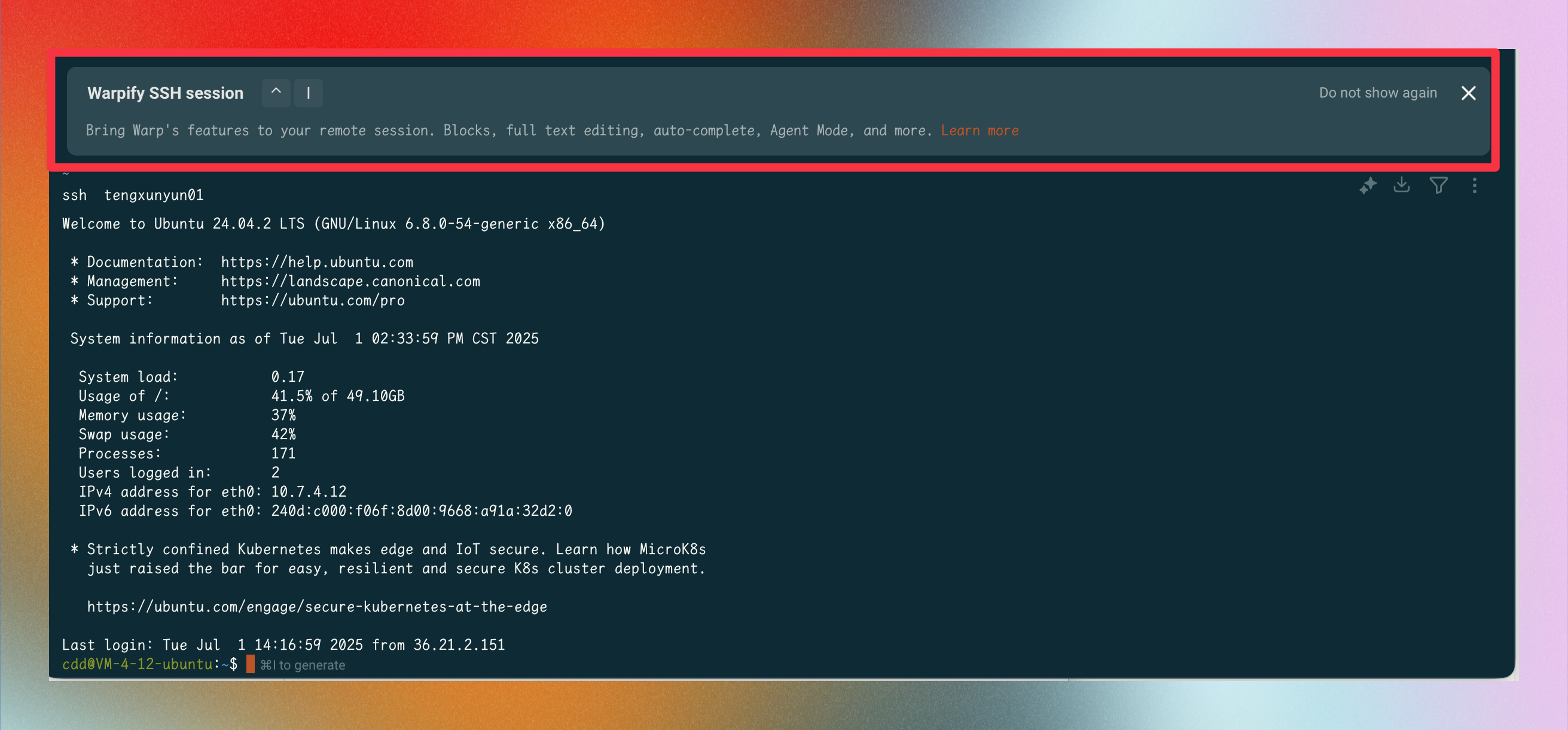
warp ai agent的平替
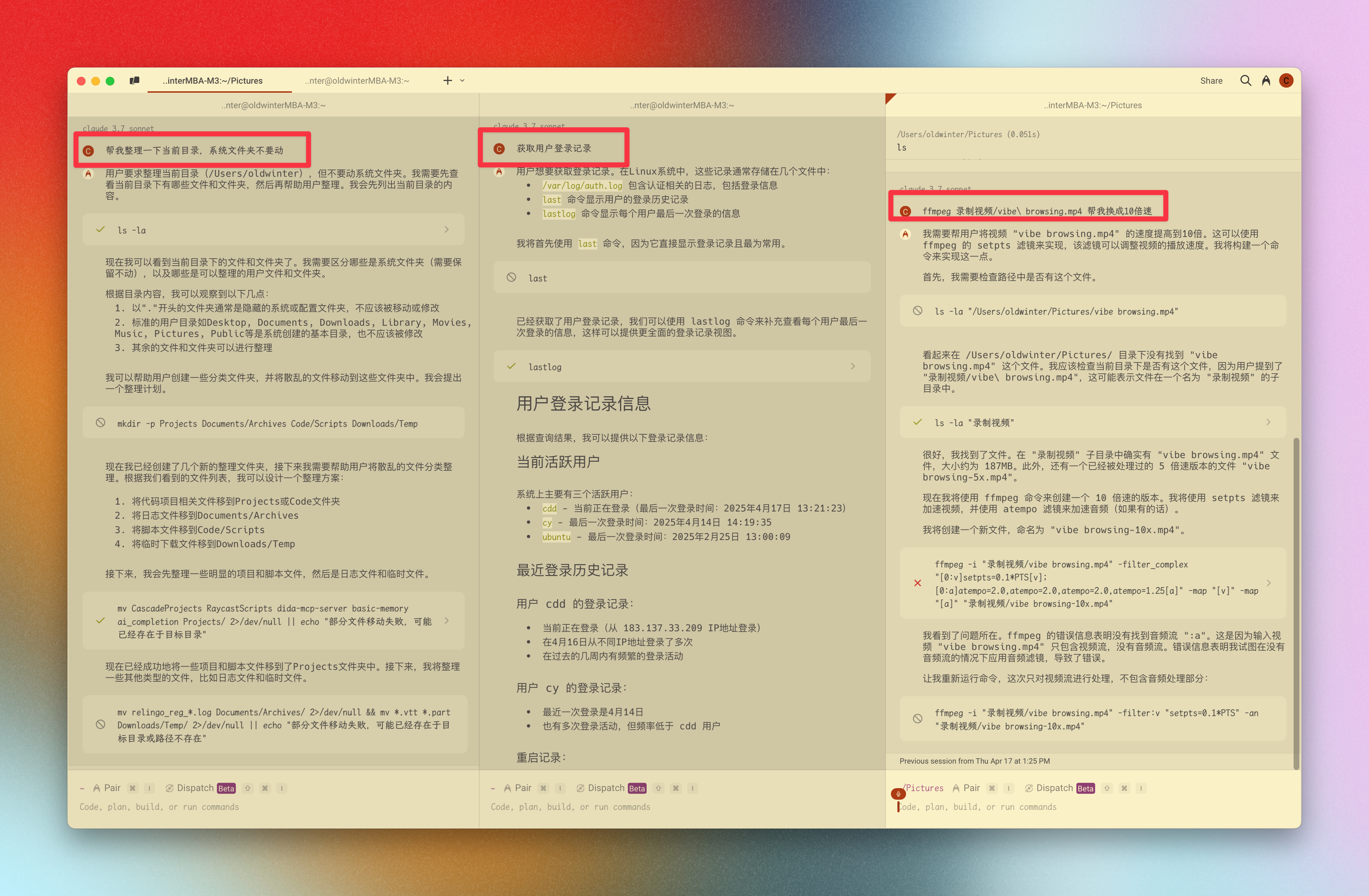
warp使用截图
最近新出的ghostty,有空试试好使不
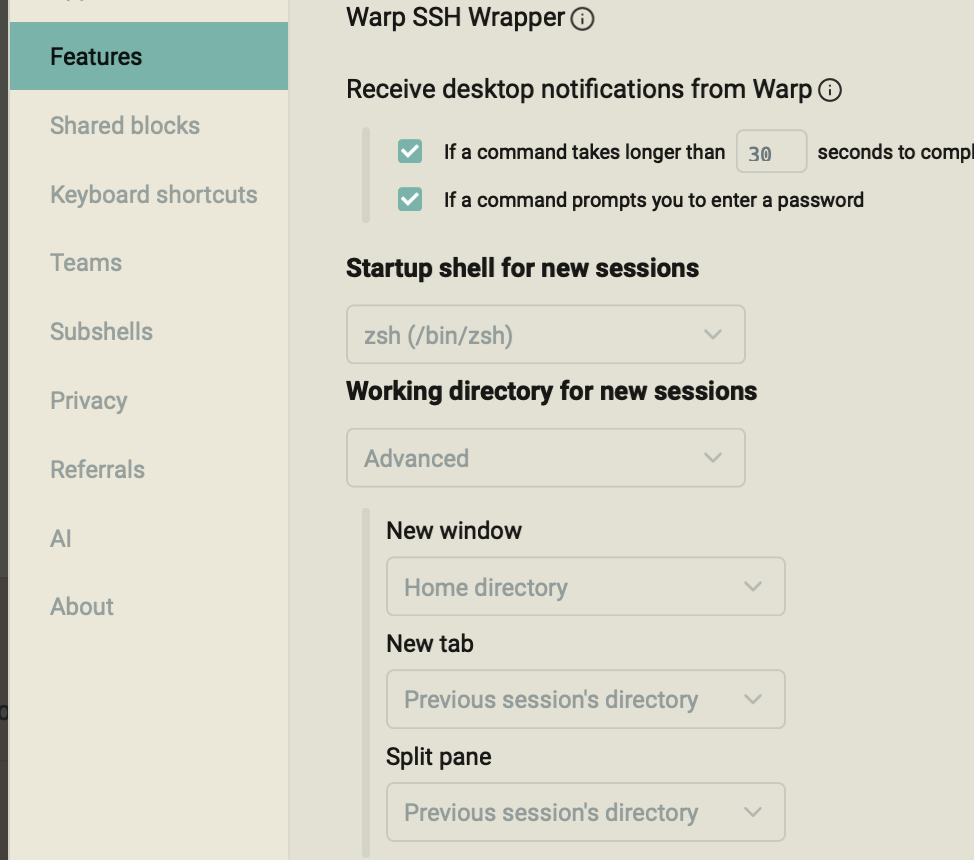
设置同步:: 不需要
作用:: AI赋能的iTerm终端
目前无法适配source <(kubectl completion zsh) 自动补全,这个时候只能换回普通terminal使用了。kubectl
主打AI智能提示的命令行终端工具。目前用起来感觉非常不错。
例如,输入 # 批量替换,就能给出sed完整命令。可以算是ChatGPT的细分领域了。
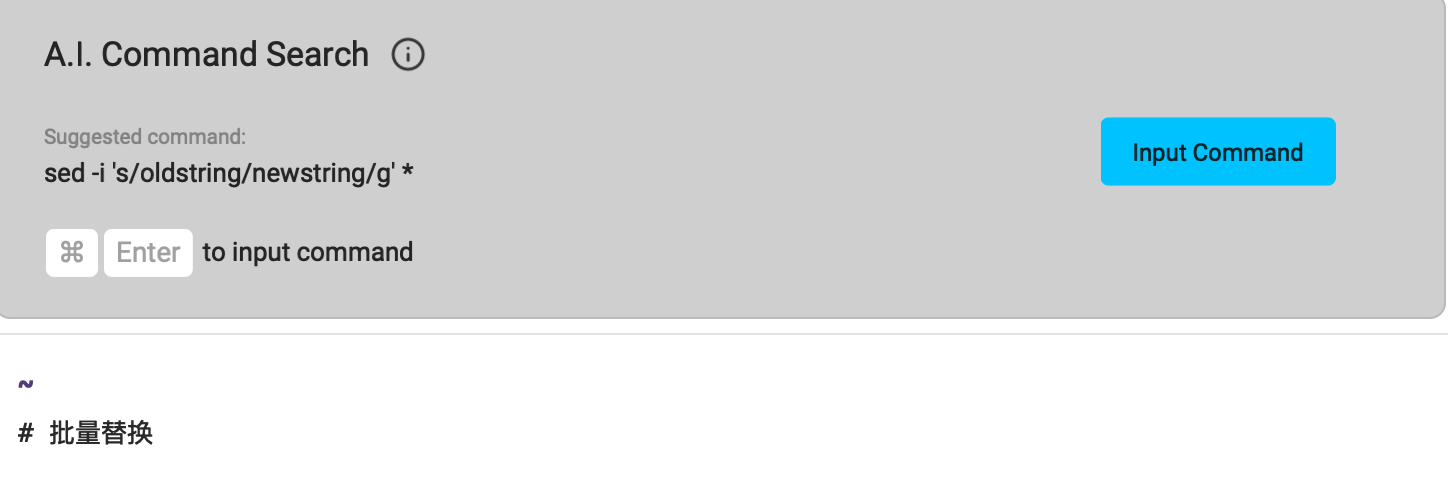
在terminal中直接用中文搜索命令,简直是无缝的体验,amazing。
New *incredible* mac OS terminal! (warp + starship + zsh) - YouTube
使用warp 的 launch configurations功能,一键快速开始vibe coding
更高级的技巧,在raycast中,将某个配置保存成quicklink,从而可以一键启动。
配置文件:
/Users/oldwinter/.warp/launch_configurations/k8s.yaml
# Warp Launch Configuration
#
#
# Use this to start a certain configuration of windows, tabs, and panes.
# Open the launch configuration palette to access and open any launch configuration.
#
# This file defines your launch configuration.
# More on how to do so here:
# https://docs.warp.dev/features/sessions/launch-configurations
#
# All launch configurations are stored under ~/.warp/launch_configurations.
# Edit them anytime!
#
# You can also add commands that run on-start for your launch configurations like so:
# ---
# name: Example with Command
# windows:
#  - tabs:
#      - layout:
#          cwd: /Users/warp-user/project
#          commands:
#            - exec: code .

---
name: Vibe-coding
active_window_index: 0
windows:
  - active_tab_index: 0
    tabs:
      - layout:
          split_direction: horizontal
          panes:
            - cwd: /Users/oldwinter/Code/gemini-space
              is_focused: true
              commands:
                - exec: gemini
            - cwd: /Users/oldwinter/Code/claude-code-space
              commands:
                - exec: claude
            - cwd: /Users/oldwinter/Code/kimi-2-space
              commands:
                - exec: ccr code
            - cwd: /Users/oldwinter/Code/glm-space
              commands:
                - exec: ccr code