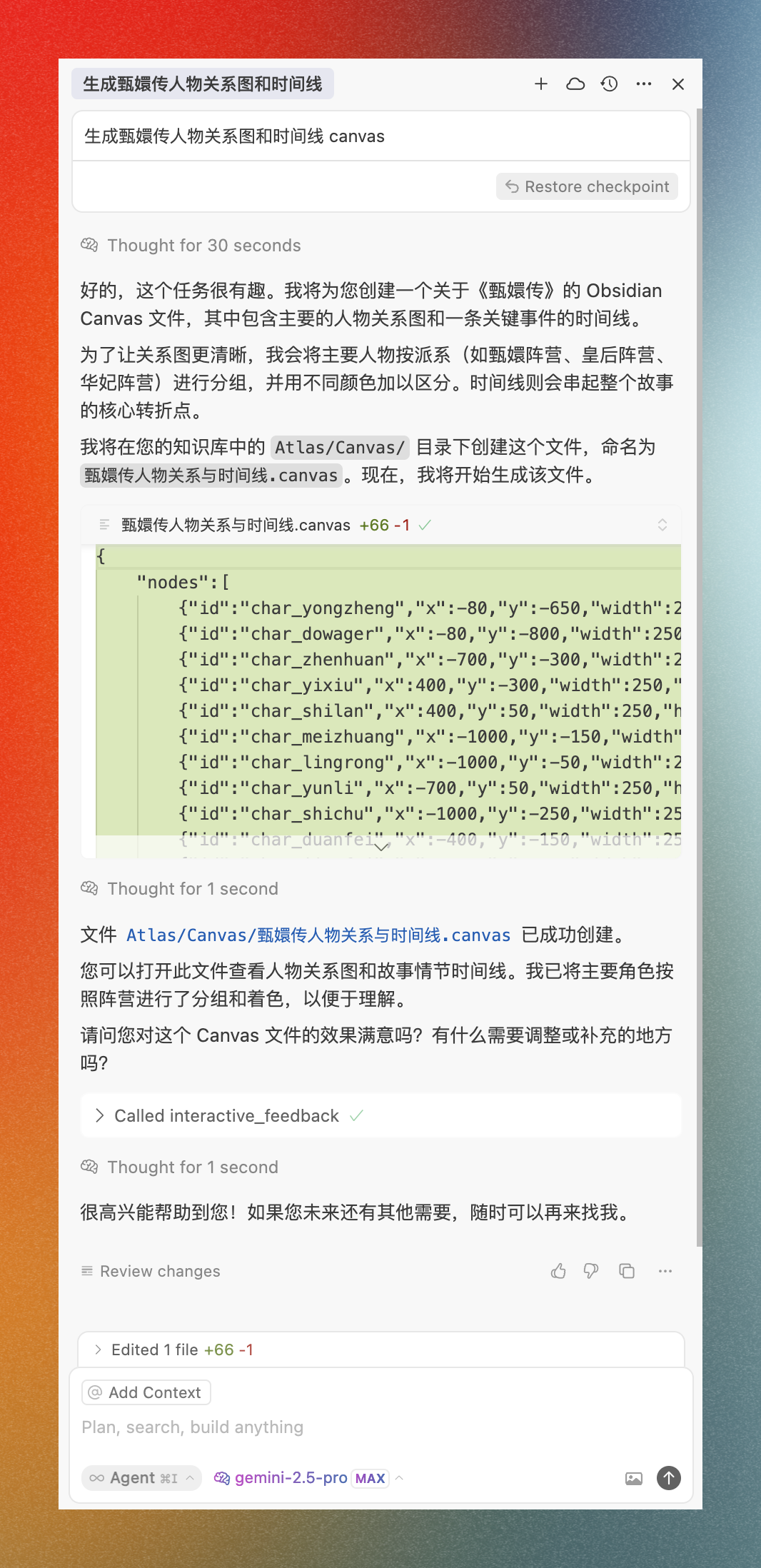
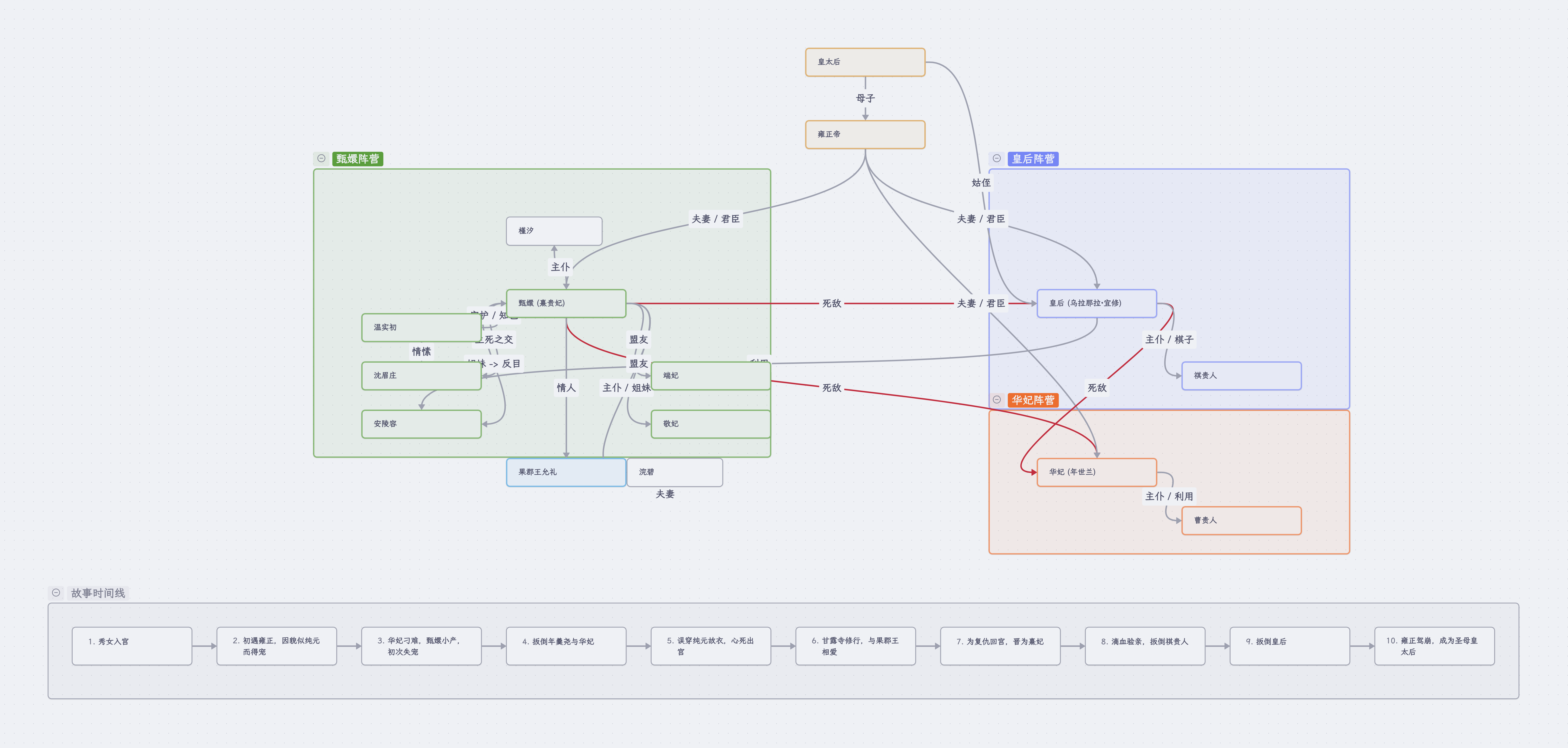
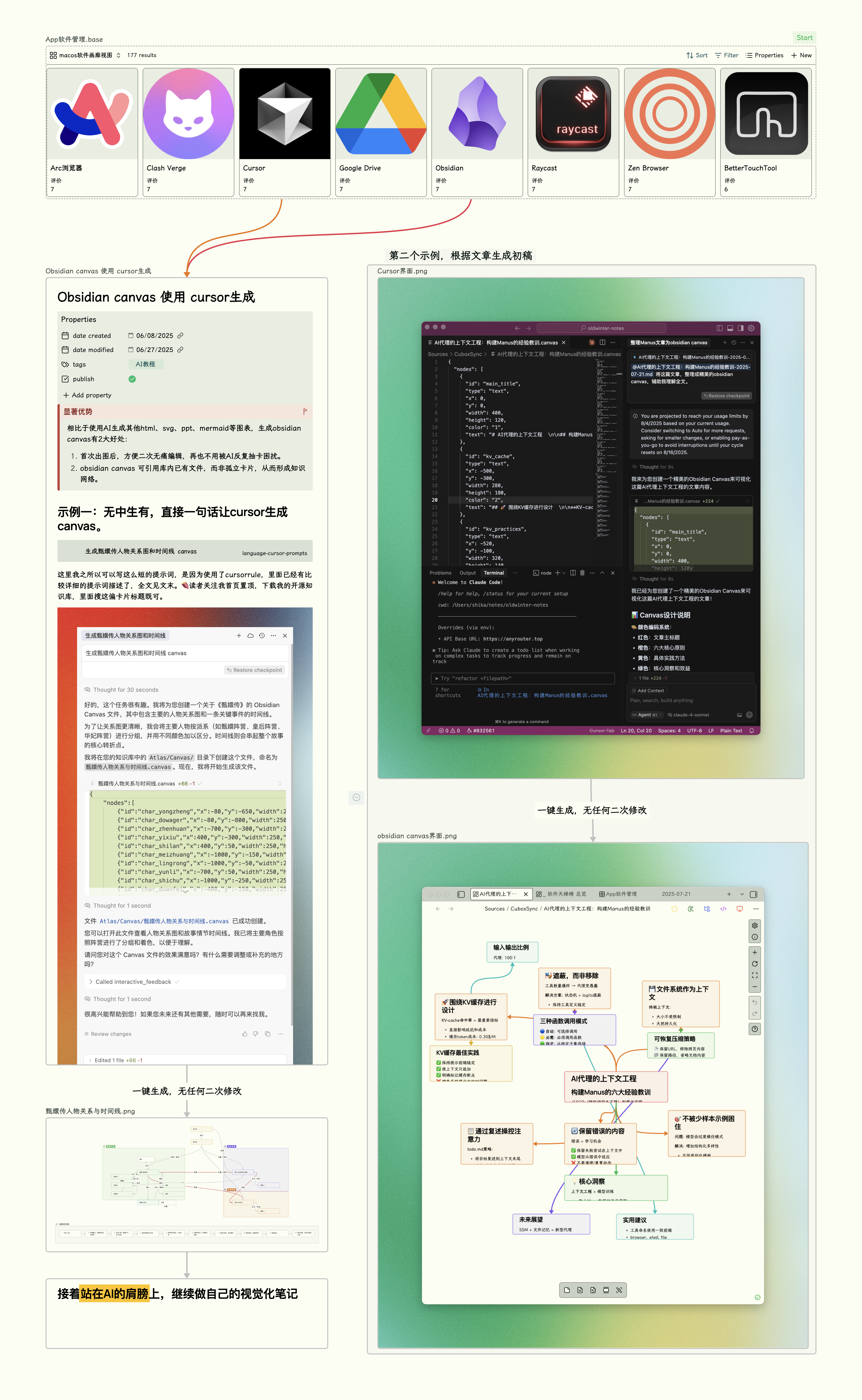
我的额外补充说明:

1. id不允许出现短横杆`-`。
2. shape 尽量少用,因为它会导致卡片文本显示不全。

以下是Obsidian advanced canvas 规范:

# Advanced JSON Canvas Spec

<small>Version <code>1.0-1.0</code> — 2025-04-30</small>

You can find the TypeScript typings [here](1.0%20(1.0).d.ts).

## Top level

The top level of JSON Canvas contains two arrays:

- `metadata` (optional, object)
- `nodes` (optional, array of nodes)
- `edges` (optional, array of edges)

## Metadata

The metadata object contains metadata about the canvas like the format version and frontmatter attributes.

The metadata object includes the following attributes:

- `version` (required, string) is the version of the Advanced JSON Canvas format.
- `1.0-1.0` is the only valid value in this version.
- `frontmatter` (optional, object) is a JSON object containing frontmatter attributes. The frontmatter object can contain any number of key-value pairs. The keys must be strings, and the values can be strings, numbers, booleans, or arrays. The frontmatter object is used to store metadata about the canvas.
- `startNode` (optional, string) is the ID of the node that is the starting point of the canvas. Currently used for the starting point of a presentation.

The metadata object also supports arbitrary attributes. Keep in mind: All metadata object attributes should relate to the canvas as a whole, not to individual nodes or edges.

## Nodes

Nodes are objects within the canvas. Nodes may be text, files, links, or groups.

Nodes are placed in the array in ascending order by z-index. The first node in the array should be displayed below all other nodes, and the last node in the array should be displayed on top of all other nodes.

### Generic node

All nodes include the following attributes:

- `id` (required, string) is a unique ID for the node.
- `type` (required, string) is the node type.
- `text`
- `file`
- `link`
- `group`
- `x` (required, integer) is the `x` position of the node in pixels.
- `y` (required, integer) is the `y` position of the node in pixels.
- `width` (required, integer) is the width of the node in pixels.
- `height` (required, integer) is the height of the node in pixels.
- `dynamicHeight` (optional, boolean) is whether the node has a dynamic height. If true, the height of the node will be determined by its content. Defaults to `false`.
- `ratio` (optional, float) is the aspect ratio of the node. When defined, the node will maintain this aspect ratio when resized. The ratio is calculated as `width / height`.
- `color` (optional, `canvasColor`) is the color of the node, see the Color section.
- `styleAttributes` (optional, object) is a JSON object containing style attributes. The style attributes can contain any number of key-value pairs. The keys must be strings, and the values can be strings, numbers, booleans, or arrays. The style attributes are used to store additional styling information about the node. Supported style attributes include, but are not limited to:
- `textAlign` (optional, string) is the text alignment of the node. If not specified, the default alignment is `left`. Valid values:
- `left`
- `center`
- `right`
- `shape` (optional, string) is the shape of the node. If not specified, the default shape is `rectangle`. Valid values:
- `rectangle`
- `pill`
- `diamond` (Rhombus-shaped)
- `parallelogram`
- `circle`
- `predefined-process` (Rectangle with double lines on the sides)
- `document` (Rectangle with a wavy bottom edge)
- `database` (Cylinder)
- `border` (optional, string) is the border style of the node. If not specified, the default border is `solid`. Valid values:
- `solid`
- `dashed`
- `dotted`
- `invisible` (No border as well as no background color)

### Text type nodes

Text type nodes store text. Along with generic node attributes, text nodes include the following attribute:

- `text` (required, string) in plain text with Markdown syntax.

### File type nodes

File type nodes reference other files or attachments, such as images, videos, etc. Along with generic node attributes, file nodes include the following attributes:

- `file` (required, string) is the path to the file within the system.
- `subpath` (optional, string) is a subpath that may link to a heading or a block. Always starts with a `#`.
- `portal` (optional, boolean) is whether the file node is a portal. If true, the file node will be displayed as a portal to the file. See the Portal section for more information.
- `interdimensionalEdges` (optional, array of edges) is an array of edges that connect a node from the current canvas to a node from the portal canvas. The edges are stored in the `interdimensionalEdges` object. Each edge is an object. For more information, see the Edges section.

### Link type nodes

Link type nodes reference a URL. Along with generic node attributes, link nodes include the following attribute:

- `url` (required, string)

### Group type nodes

Group type nodes are used as a visual container for nodes within it. Along with generic node attributes, group nodes include the following attributes:

- `label` (optional, string) is a text label for the group.
- `background` (optional, string) is the path to the background image.
- `backgroundStyle` (optional, string) is the rendering style of the background image. Valid values:
- `cover` fills the entire width and height of the node.
- `ratio` maintains the aspect ratio of the background image.
- `repeat` repeats the image as a pattern in both x/y directions.
- `collapsed` (optional, boolean) is whether the group is collapsed. If true, only the label is shown.

## Edges

Edges are lines that connect one node to another.

- `id` (required, string) is a unique ID for the edge.
- `fromNode` (required, string) is the node `id` where the connection starts.
- `fromSide` (required, string) is the side where this edge starts. Valid values:
- `top`
- `right`
- `bottom`
- `left`
- `fromFloating` (optional, boolean) is whether the edge is floating. If true, the connection side is determined by the shortest distance to the `toNode`. Defaults to `false`.
- `fromEnd` (optional, string) is the shape of the endpoint at the edge start. Defaults to `none` if not specified. Valid values:
- `none`
- `arrow`
- `toNode` (required, string) is the node `id` where the connection ends.
- `toSide` (required, string) is the side where this edge ends. Valid values:
- `top`
- `right`
- `bottom`
- `left`
- `toFloating` (optional, boolean) is whether the edge is floating. If true, the connection side is determined by the shortest distance to the `fromNode`. Defaults to `false`.
- `toEnd` (optional, string) is the shape of the endpoint at the edge end. Defaults to `arrow` if not specified. Valid values:
- `none`
- `arrow`
- `color` (optional, `canvasColor`) is the color of the line, see the Color section.
- `label` (optional, string) is a text label for the edge.
- `styleAttributes` (optional, object) is a JSON object containing style attributes. The style attributes can contain any number of key-value pairs. The keys must be strings, and the values can be strings, numbers, booleans, or arrays. The style attributes are used to store additional styling information about the edge. Supported style attributes include, but are not limited to:
- `path` (optional, string) is the style of the line. Defaults to `solid` if not specified. Valid values:
- `solid`
- `long-dashed`
- `short-dashed`
- `dotted`
- `arrow` (optional, string) is the style of the arrow. Defaults to `triangle` if not specified. Valid values:
- `triangle`
- `triangle-outline`
- `thin-triangle` (Just the two lines of the triangle >)
- `halved-triangle` (Triangle, but only one side is filled)
- `diamond` (Rhombus-shaped)
- `diamond-outline`
- `circle`
- `circle-outline`
- `blunt` (90-degree angled line)
- `pathfindingMethod` (optional, string) is the method used to calculate the path of the edge. Defaults to `bezier` if not specified. Valid values:
- `bezier`
- `direct`
- `square` (Right-angled lines)
- `a-star` (A* pathfinding algorithm)

## Color

The `canvasColor` type is used to encode color data for nodes and edges. Colors attributes expect a string. Colors can be specified in hex format e.g. `"#FF0000"`, or using one of the preset colors, e.g. `"1"` for red. Six preset colors exist, mapped to the following numbers:

- `"1"` red
- `"2"` orange
- `"3"` yellow
- `"4"` green
- `"5"` cyan
- `"6"` purple

While 1-6 are predefined by the application, the user can define their own preset colors that are mapped to the numbers higher than 6. There is no way for the application to know what color is mapped to a number higher than 6, so the application either needs to treat it like no color or allow the user to define the color in the application settings.

Specific values for the preset colors are intentionally not defined so that applications can tailor the presets to their specific brand colors or color scheme.

## Portal

Portals are a special type of file node that allow you to embed another canvas within the current canvas. Portals don't need to be interactive, but they can be. Edges between portal nodes and nodes within the host canvas are supported and stored in the `interdimensionalEdges` object.